COMPANY TRUCK01
1099
Independent contractor
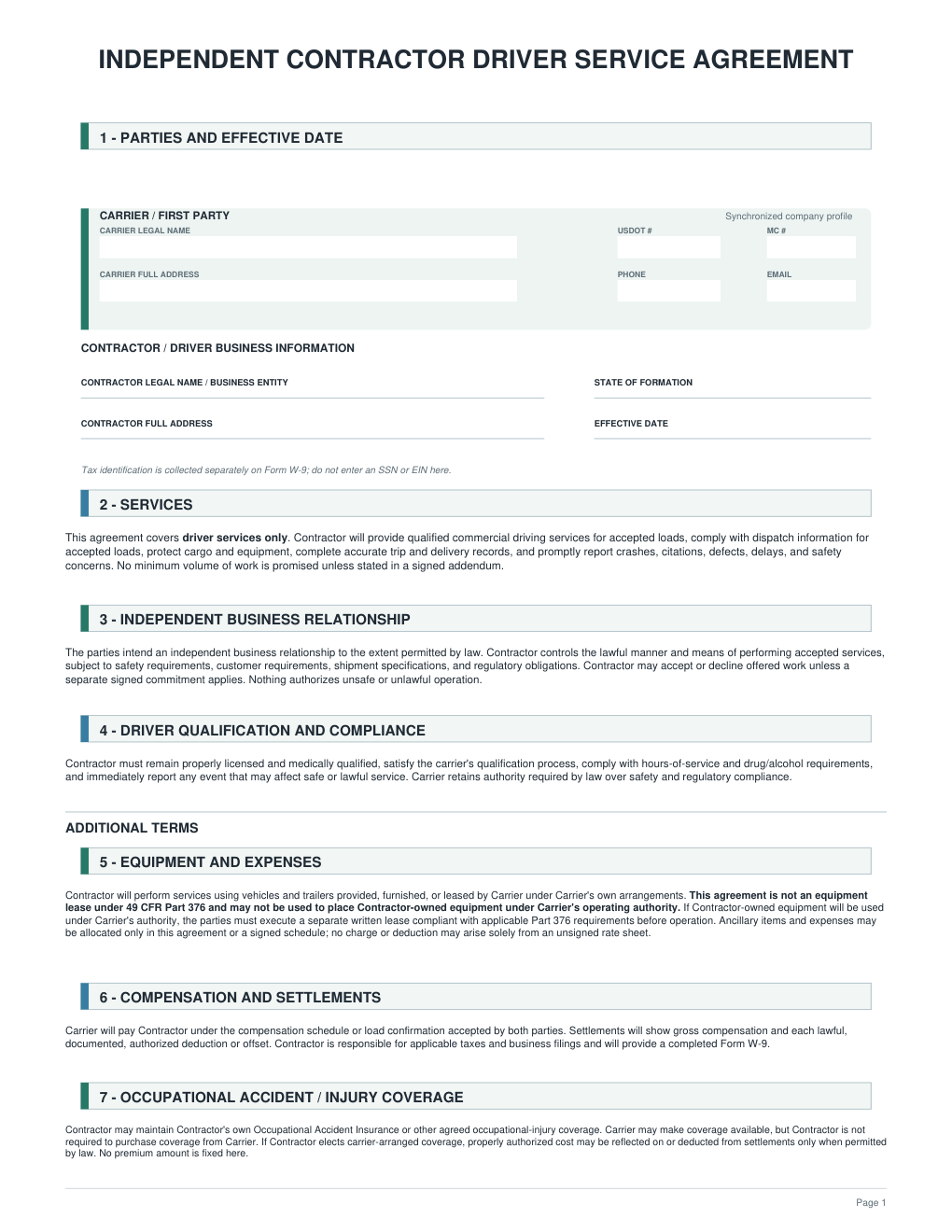
CDL-A qualification, contractor paperwork, and payment setup.
For a company that has already determined a contractor relationship is appropriate.
$29Explore 1099
Driver hiring systems for small trucking companies
For carriers with a few trucks and no HR department. Each system gives you ready-to-print hiring packets, employer guides in English and Russian, and an offline Workspace that shows what comes due next.
$29 per system · all three for $58 · one-time purchase, no subscription
Why not just free forms? Free FMCSA samples are individual forms. A system adds the order: which form comes first, who signs it, where it’s filed, and which dates follow. Official government forms stay unchanged.
Built by Nadia · 15 years in US truckingEdition 2026.10Works offline · no account
Hiring Workspace · Edition 2026.10
Your drivers. Recorded deadlines.
SAMPLE · Luis R. · Owner-Operator
Annual MVR inquiry
SAMPLE · Marcus T. · W-2 Employee
Form I-9 Section 2
SAMPLE · Alex M. · W-2 Employee
Annual Clearinghouse query
SAMPLE · Alex M. · W-2 Employee
Annual MVR review
Driver Workspace
The Workspace is one HTML file in your ZIP. Open it in your browser, add a driver, and enter the hire date and expiration dates. It puts what’s late at the top and counts the checks that follow a new hire.

One list for every driver you add. Late items come first, then the next 30 days, then missing information.

Initial MVR inquiries and the previous-employer safety history are counted from the first day of work (49 CFR 391.23). For W-2 employees it also shows Form I-9 Section 2 and the federal outer limit for the new-hire report.

CDL expiration, medical qualification, annual MVR inquiry, annual MVR review and annual Clearinghouse query — each with the next date and the days left. You can add other company deadlines and print a one-driver report.

21 hiring actions for a W-2 driver (19 for 1099, 24 for Owner-Operator). Each one opens with what to do, who does it, what to keep, and the related forms. Ongoing duties are listed separately.

The library opens the PDFs and Word files from your extracted folder. Each employer guide opens in English or Russian with one click, next to the official source links.

Buttons, dates, checklist steps and explanations switch to Russian with one click. The working documents for the driver file stay in English.
Opens in a web browser on your computer. Data stays in that browser, not in the ZIP and not in a cloud. Download a backup after changes.
One-time purchase. No account, no login, no monthly fee.
It doesn’t request MVRs, query the Clearinghouse or verify anything. Your company does the checks and keeps the records.
Reminders appear when you open the file. Nothing is sent while it’s closed.
Real Edition 2026.10 screens from the Complete Bundle Workspace with fictional SAMPLE drivers; dates as of Oct 8, 2026. Each single system includes a Workspace for its own driver type; the Bundle keeps all three types in one.
CHOOSE YOUR HIRING SYSTEM
Start with the working relationship and whose truck the driver will use. Each system is $29.
Independent contractor
CDL-A qualification, contractor paperwork, and payment setup.
For a company that has already determined a contractor relationship is appropriate.
Employee driver
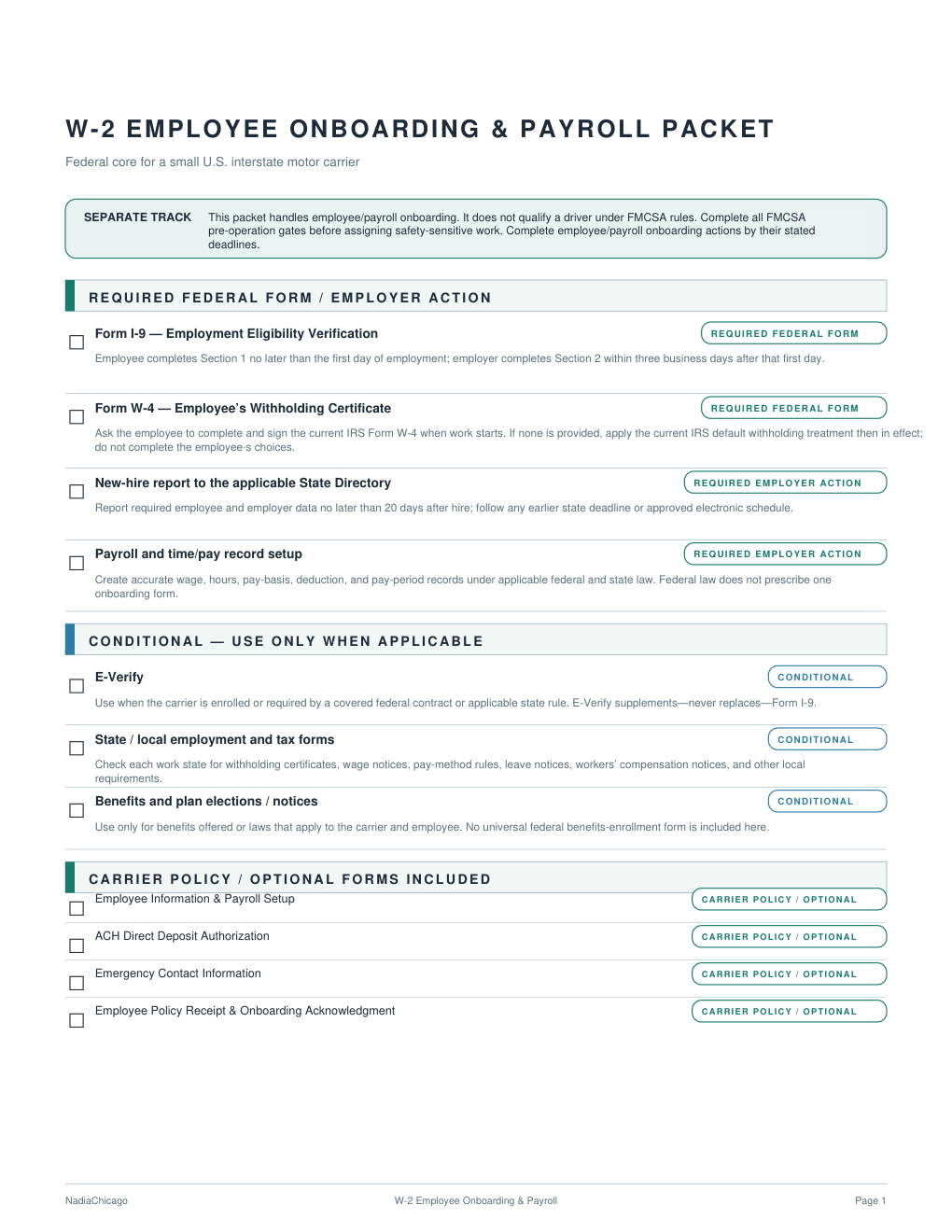
CDL-A qualification, employee onboarding, and payroll paperwork.
For a driver you hire as an employee and pay through payroll.
Owns the truck. Drives it, too.
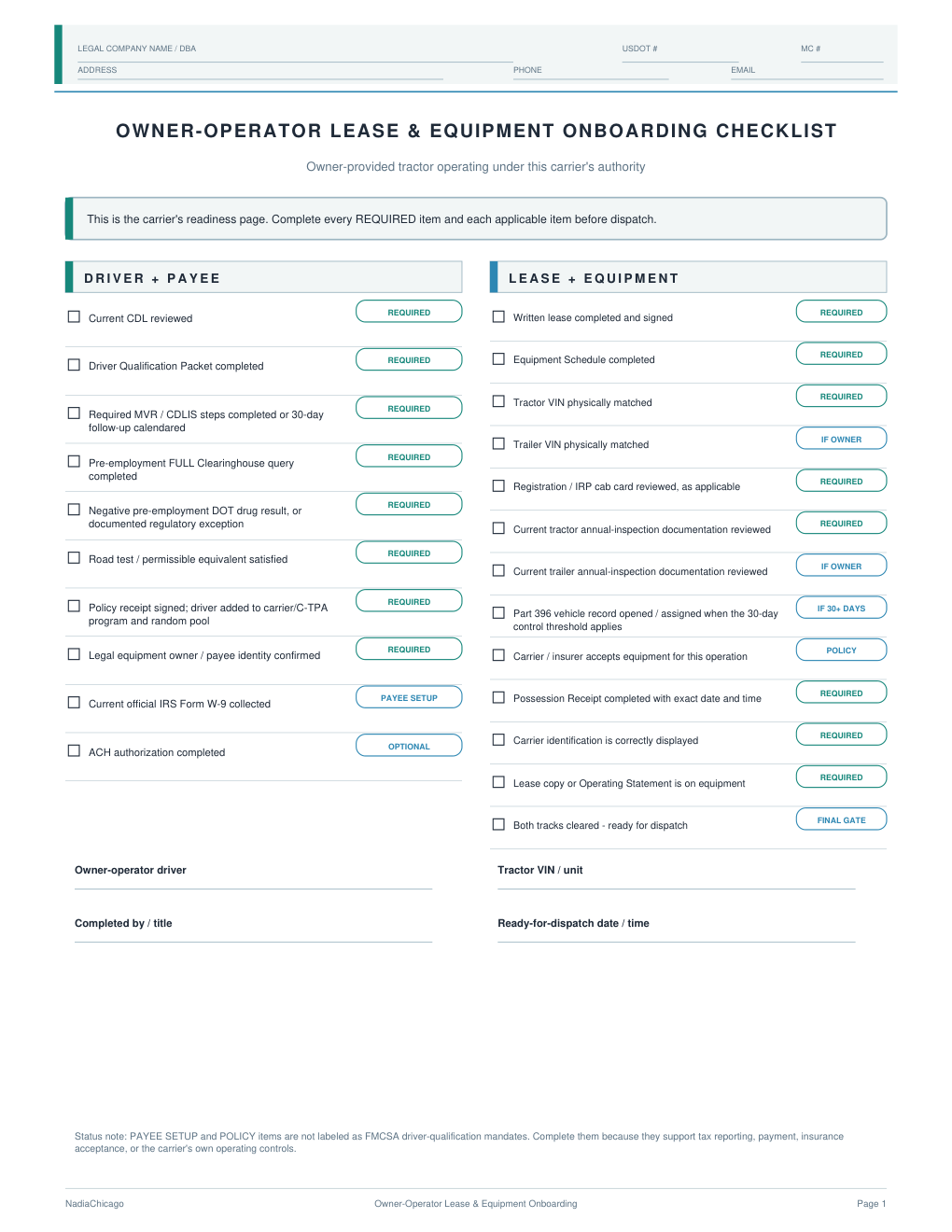
Driver qualification, an equipment lease, and equipment records.
For an owner who brings a truck and personally operates under your carrier authority.
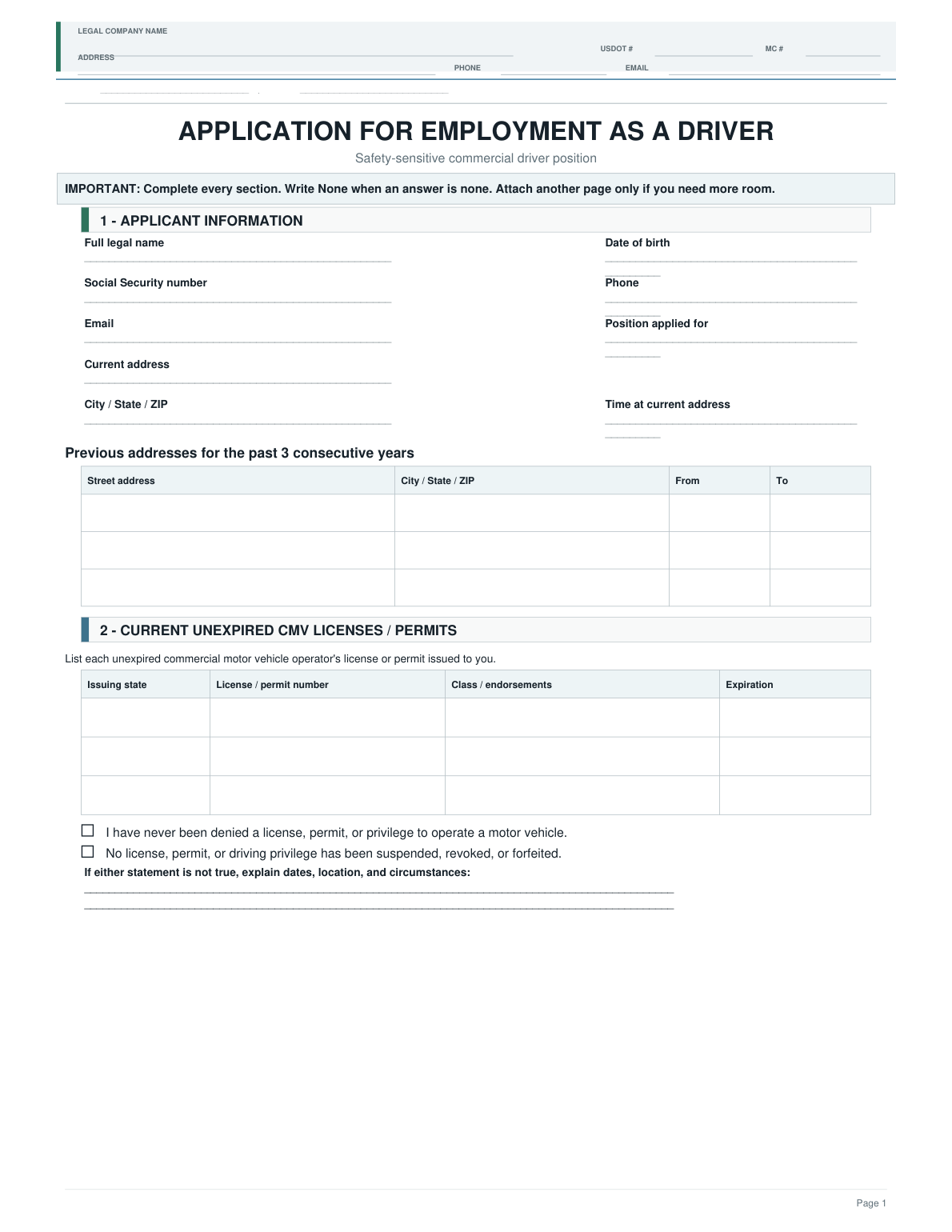
An owner-operator may also receive a 1099. These systems address different arrangements: a contract driver using your truck, or an owner bringing a truck under an equipment lease. A template does not determine worker classification.
What you receive
Every system has the same structure: START HERE, ready-to-print packets, individual forms, Word templates, employer guides in English, the same guides in Russian, and the Workspace.
NC_1099_Hiring_System.zip 45 filesNC_W2_Hiring_System.zip 50 filesNC_Owner_Operator_Hiring_System.zip 51 filesNC_Complete_Bundle.zip 146 filesSystem file inventory. Official IRS, USCIS and FMCSA forms are included unchanged.
Print the hiring and qualification packet instead of collecting forms from emails and websites.
Each guide connects a signed form to the next action, who does it, and where the record goes. The Workspace counts the 30-day checks from the hire date.
Annual MVR, review, Clearinghouse, CDL and medical dates show up every time you open the Workspace.
Reuse the system for your company’s next driver under the included license.
Delivered by Payhip · as one ZIPPDF + DOCX + HTML · DOCX opens in Word or a compatible editorOne-time purchase · no subscription
Pick by how the driver works with you. If you need any two, the Complete Bundle costs the same $58 and includes all three.
| 1099Contract driver · your truck$29 | W-2Employee · your truck$29 | Owner-OperatorTheir truck · your authority$29 | Complete BundleAll three · separately $87$58 | |
|---|---|---|---|---|
| CDL-A driver qualification formsApplication, MVR, previous employer, Clearinghouse, road test, drug & alcohol | Included | Included | Included | Included |
| 1099 contractor service agreement | Included | Not included | Not included | Included |
| Form I-9, Form W-4 and payroll setup | Not included | Included | Not included | Included |
| Equipment lease and equipment receipts | Not included | Not included | Included | Included |
| Ready-to-print packets + Quick Map | 3 | 3 | 3 | 9 |
| Individual printable forms | 15 | 18 | 18 | 51 |
| Editable Word templates | 13 | 14 | 16 | 43 |
| Employer guides, English + Russian | 5 + 6 | 6 + 6 | 5 + 6 | 16 + 18 |
| Offline Workspace | 1099 drivers | W-2 drivers | Owner-operators | All drivers in one |
| Files in the ZIP | 45 | 50 | 51 | 146 |
| See 1099 | See W‑2 | See O‑O | See Bundle |
A template does not determine worker classification. Choose by the actual working relationship.
INSIDE THE EMPLOYER GUIDE
Each guide explains who takes the next step, what to do, and where to keep the record.
A real page from the 1099 Employer Guide. Practical instructions that connect each form to the next action.
Excerpts from customer reviews on Payhip.
1099 Driver Hiring System
…you get way more than just DOCS. i was amazed at how well it’s designed…
Complete Driver Hiring Bundle
I bought one package first, … immediately came back for the full bundle.
Complete Driver Hiring Bundle
The workspace is the best, … I can track my drivers' expiration dates…

MEET NADIA
Hi, I’m Nadia.
I know the day-to-day work of a small trucking company: paperwork scattered across emails and folders, and another search for the form you need.
I built Nadia Chicago for small carriers who want practical documents and a clear next step, without having to piece the process together themselves.
@nadia_chicagoBEFORE YOU BUY
Straight answers about
choosing and using your system.
Choose 1099 for a contractor driving a company truck, W-2 for an employee driver, or Owner-Operator for someone who supplies a truck and personally drives under your authority with an equipment lease.
If worker classification is not settled, review the actual working relationship and get qualified advice when needed. The system does not decide 1099 or W-2 status for you.
Compare the systems →Payhip handles checkout and delivery. You receive one ZIP containing English working documents, guides in English and Russian, and the offline Hiring Workspace. The Russian guides are included at no extra charge.
Download and fully extract the ZIP on your computer, then open START HERE.
Yes. The READY TO PRINT folder contains prepared PDF packets. Use the individual printable forms folder when you only need one document. Check that each form fits your situation and add company details where required before handing it to a driver.
Open the included DOCX templates in Microsoft Word or a compatible editor. Editable Word files are provided for designated Nadia Chicago templates, not every PDF. Official government forms are not replaced with custom versions.
After extracting your download, open the Workspace HTML file in a browser on your computer. You create profiles and enter dates; the Workspace displays reminders based on those entries.
Your company performs official online checks, which require internet access. Workspace does not send email, text messages, or background notifications when it is closed.
Workspace stores data locally in your browser on your computer. Save and backup options are available right in the interface.
Export a backup when you need one and restore it later. Make a backup after important changes and before clearing browser data or changing computers. Keep completed documents in your own separate files.
Yes, for the purchasing company’s internal use. You may print forms for your drivers and customize the included templates. You may not resell, publish, or share the complete package or template library with other companies. See the Product License and Disclaimer in your ZIP for full terms.
There is no monthly subscription. Your purchase includes the current package. Future updates are not automatically included unless stated for a specific release.
Check current official forms and requirements before use. Workspace does not automatically update regulatory rules.
Use the download link in your Payhip receipt. If the email is missing, check your spam folder. Download the ZIP fully and extract it on a computer before opening the files.
For help with a missing receipt or a technical download problem, contact Payhip: contact@payhip.com.
Payhip file-opening help ↗Review the digital-purchase terms shown at Payhip checkout before buying. Any applicable taxes and the final total appear there. If you need to request a cancellation or refund, check the terms that apply to your order.
FOR YOUR NEXT DRIVER
$29 per system · Complete Bundle $58